 Getting Started
 How to Use My Account
 FAQ
FAQ Content Elements
 Creative Elements
 Dynamic Content Elements
 Extensions
 Form Styler Elements
 Learning Management
 Marketing Elements
 Social Elements
 Documentation Elements
 WooCommerce Elements
How to Install SynKraft for WooCommerce?
Before you begin, make sure that you have installed & activated plugin on your website. Follow these steps below to install SynKraft for WooCommerce
Step 1: Go to your WordPress Dashboard and navigate to Plugins -> Add New. Then in the search box, put out this keyword ‘Essential Addons’. Then simply click on the ‘Install Now’ button.

Step 2: After the installation is completed, click on the ‘Activate’ button, and ‘Essential Addons for Elementor’ will be activated.
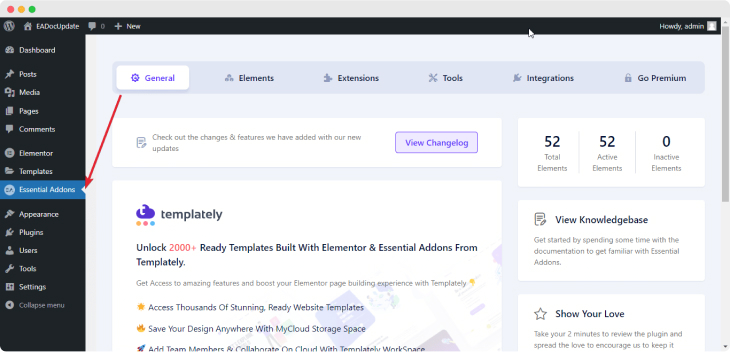
Step 3: After you have successfully completed Step 2, SynKraft Addons Menu will appear in the WordPress dashboard. You will be redirected to the ‘General’ tab of SynKraft Addons.
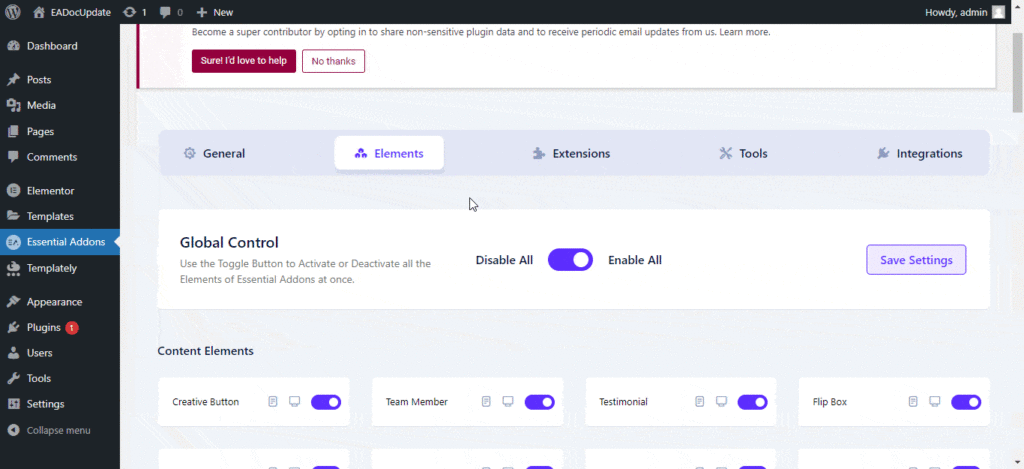
You can switch to the ‘Elements’ tab to check out all the available SynKraft Addons elements. You can use the toggle to enable or disable them as per your requirements.
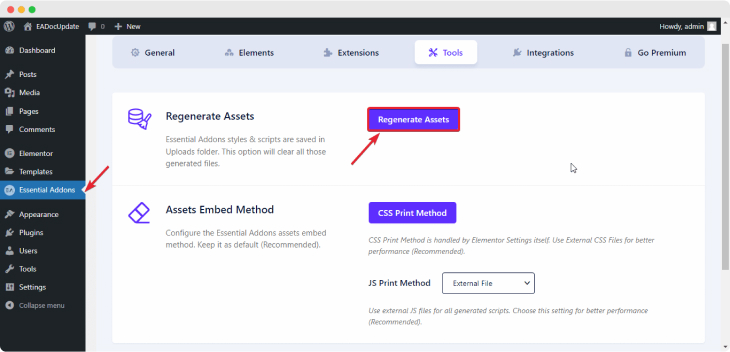
To regenrate files & clear cache, you can switch to the ‘Tools’ tab and hit the ‘Clear Cache’ buton.